
OpenAI Ships ChatGPT Lockdown Mode to Block Prompt Injection
Serge Bulaev
OpenAI has introduced ChatGPT Lockdown Mode, which may help block prompt injection attacks by limiting the assistant's ability to send data outside. This mode disables features like live web browsing, image retrieval, and file downloads, and only allows access to cached pages. Lockdown Mode appears to lower risks by stopping the model from sending out sensitive information, though it does not prevent reading tricky instructions. Early reports suggest the mode is slower and less useful for tasks with heavy research or image needs, but it may suit sensitive fields like legal or healthcare. Security experts note that prompt injection is a major risk, and many organizations have delayed AI use because of these concerns, leading to higher spending on AI security.

OpenAI has released ChatGPT Lockdown Mode, a new security setting designed to block prompt injection attacks by controlling outbound data traffic. The feature directly addresses enterprise security concerns by disabling or limiting high-risk functionalities like live web browsing and file downloads, making it a critical tool for organizations handling sensitive information.
Key Features Restricted in Lockdown Mode
Analysts view the setting as a significant move toward enterprise-grade security for large language models. To minimize the attack surface, Lockdown Mode disables or limits several features:
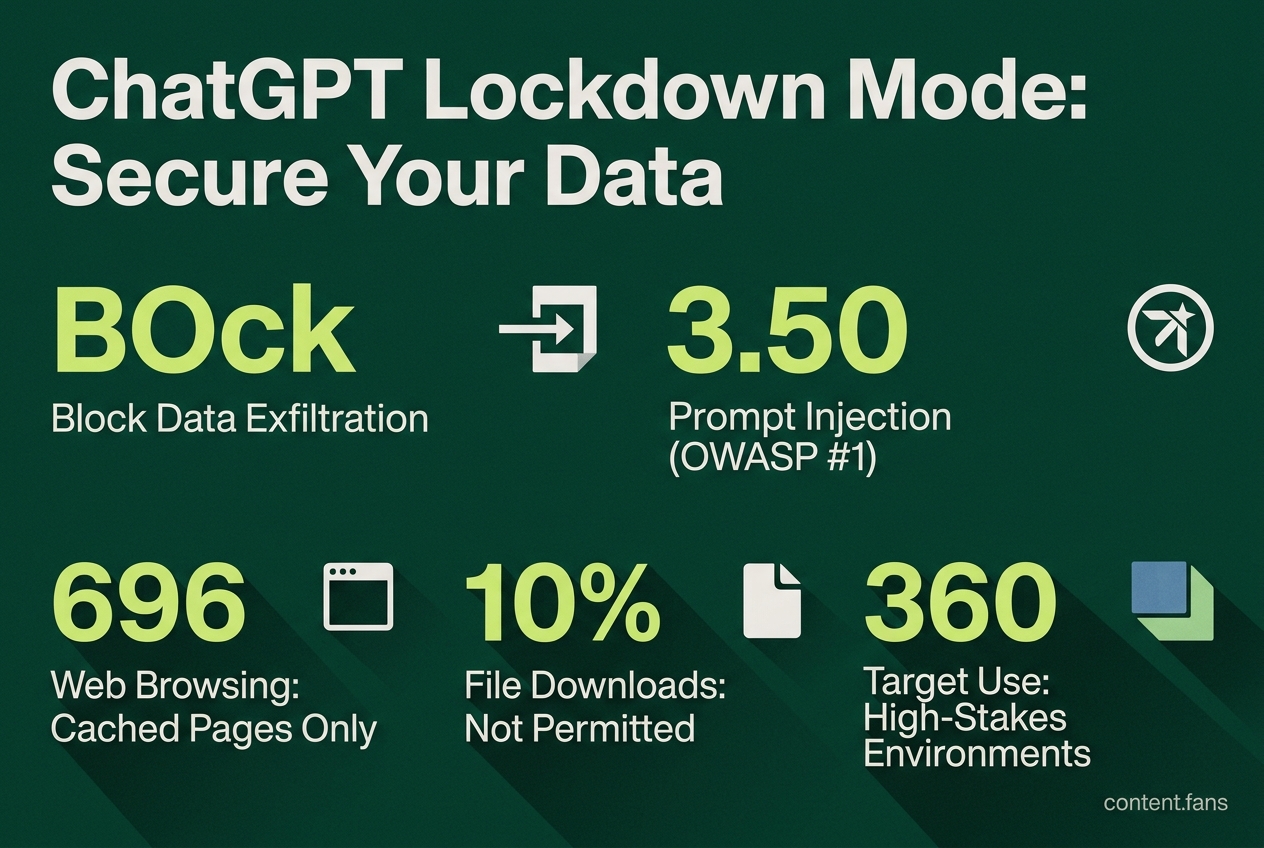
- Live web browsing is restricted to cached pages only.
- Image retrieval from external websites is blocked.
- Advanced features like Deep Research and Agent Mode are disabled.
- Canvas networking is prevented from making outbound requests.
- File downloads for data analysis are not permitted.
These restrictions are designed to stop malicious instructions hidden in webpages or files from exfiltrating sensitive data. Reinforcing its security focus, Lockdown Mode includes compatibility restrictions with other advanced features to maintain security integrity.
How Lockdown Mode Prevents Data Exfiltration
ChatGPT Lockdown Mode works by blocking the model's outbound network capabilities at the platform layer. It prevents the model from exfiltrating sensitive data to an external server. While ChatGPT can still process untrusted text containing malicious instructions, it lacks the channels to transmit captured content externally.
According to OpenAI, the switch curtails outbound network calls at the platform level. Security blogger Simon Willison clarifies a key nuance: the mode blocks data exfiltration rather than preventing the injection itself. Internally, a session with Lockdown Mode enabled is flagged as high-risk. Any attempt by the model to use a blocked feature is automatically rejected and reported to the user as an unsupported action.
Performance and Workflow Trade-offs
While Lockdown Mode enhances security, it comes with practical trade-offs. Early testers have reported that research tasks are slower, as the model relies on cached webpages that may not be current. Workflows that depend on image analysis or automated data downloads are significantly degraded. Consequently, the mode is best suited for high-stakes environments such as legal, healthcare, or classified projects, rather than for general-purpose use.
The Growing Threat of Prompt Injection
The demand for features like Lockdown Mode is driven by the increasing prevalence of prompt injection attacks. This vulnerability is listed by OWASP's GenAI Security Project as the top LLM risk, as it can lead to data disclosure, unauthorized function calls, and arbitrary commands. The Cloud Security Alliance has documented sophisticated attack chains targeting AI systems. Industry reports suggest that a significant number of organizations have delayed AI adoption due to these security concerns.
This has led to increased security spending. Industry reports indicate that many enterprises have substantially boosted their AI security budgets to fund incident response for injection-related attacks.
Industry-Wide Defenses Against Prompt Injection
Beyond OpenAI, the security industry is adopting a multi-layered defense strategy. Competitors are integrating input screening, output validation, and least-privilege tool access to mitigate risks. For instance, the research project PromptGuard, published in Scientific Reports, combines regex classifiers, structured prompt boundaries, and a secondary LLM critic to check for threats. This trend indicates a growing consensus that blunting sophisticated attacks requires reducing the model's authority and carefully monitoring its every action.
What is OpenAI's Lockdown Mode and why was it introduced?
While prompt injection attacks represent a top practical risk in LLM deployments, the specific implementation and timeline of security features like "Lockdown Mode" continue to evolve as organizations address these challenges. Such features typically limit outbound network access and disable or restrict tools that could be abused to exfiltrate data, such as live web browsing, Deep Research, Agent Mode, Canvas networking, and file downloads. Industry reports suggest that many organizations have delayed AI rollouts due to unresolved prompt-injection risk, making such security measures particularly important for high-stakes environments like finance, health, and legal workflows.
How does a prompt injection attack work?
A prompt injection attack occurs when malicious instructions are hidden inside untrusted content (web page, document, or image) that an LLM later processes.
The attacker hopes the model will treat the hidden text as legitimate instructions and leak sensitive data, execute unwanted tool calls, or poison downstream systems.
Security researchers have documented real-world indirect prompt injection attacks against production AI systems, proving the threat has moved from theoretical to operational.
Which features are restricted when Lockdown Mode is turned on?
When you enable Lockdown Mode, the following capabilities are limited or disabled:
- Live web browsing - restricted to cached content only
- Image display and retrieval from the web - disabled
- Deep Research and Agent Mode - completely disabled
- Canvas networking - generated code cannot reach the network
- File downloads for data analysis - blocked
These constraints shrink the attack surface, making it far harder for an injected prompt to send data to an external attacker.
What trade-offs should I expect when using Lockdown Mode?
Stronger security comes at the cost of reduced utility:
- Lower convenience: you lose live search, inline images, and automated research.
- Workflow friction: tasks that rely on Agent Mode or Canvas code execution will have to be done outside ChatGPT.
- False sense of safety: Lockdown Mode does not stop malicious text from being read by the model; it only prevents outbound data transfer.
Therefore, the mode is recommended for sensitive use cases rather than general consumer chat.
How does Lockdown Mode compare with prompt-injection defenses from other vendors?
Across the industry, defenses are converging on layered controls:
| Layer | Common practice | Example implementation |
|---|---|---|
| Input screening | Regex or classifier filters | PromptGuard uses regex + lightweight NLP classifiers |
| Structured prompts | Separate system vs. user roles | ChatML / JSON boundaries used by PromptGuard |
| Output validation | Secondary LLM critic checks content before delivery | PromptGuard's critic model |
| Least privilege tooling | Restricted or no external APIs | Security modes that block outbound calls |
| Observability & logging | Track tool-call anomalies | OWASP recommends action screening for agent/tool invocations |
By combining these layers, enterprises can build defense-in-depth even if they do not rely solely on OpenAI's ecosystem.