
Microsoft Cuts Copilot Bloat in Windows 11, Pivots to Enterprise AI
Serge Bulaev
Microsoft is reducing Copilot features in Windows 11 after many users complained that the AI tools were too intrusive and cluttered. In March 2026, the company began removing Copilot buttons from several system apps, saying it will only appear where it "meets expectations." This change seems to be part of a shift towards making Copilot more useful for businesses rather than all consumers. Analysts suggest Microsoft may be focusing on enterprise needs and is not abandoning AI, but instead making it less visible for regular users and more powerful for companies.

Microsoft is cutting Copilot bloat in Windows 11, strategically removing the AI assistant from system apps following widespread user complaints about intrusive and cluttered features. The pivot away from a 'ubiquitous AI' model, first reported by TechCrunch, signals a significant shift toward enterprise-focused AI solutions.
Industry analysts note this decision marks a broader Copilot reset, moving from consumer novelty to high-value enterprise functionality as part of Microsoft's long-term AI roadmap.
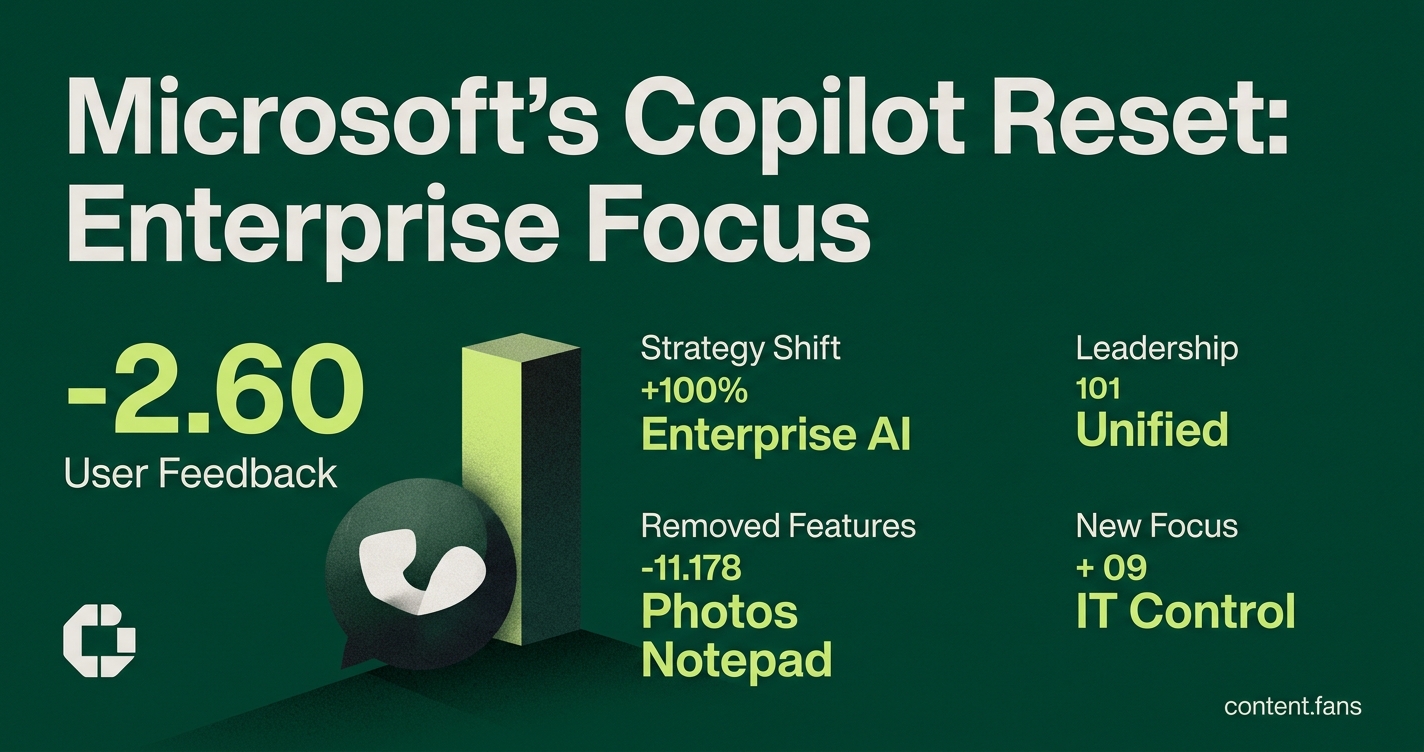
From backlash to rollback
Microsoft is scaling back Copilot's presence in Windows 11 due to negative user feedback and low engagement. Users found the integrations in apps like Photos and Notepad to be intrusive. The company is now focusing on placing the AI assistant only where it adds clear, demonstrable value.
The rollback follows significant backlash from power users on forums like WindowsForum, where many shared methods for disabling Copilot. The integrations in Photos, Notepad, and other tools were widely criticized, with industry reports suggesting engagement was low. In response to direct user feedback, Microsoft announced plans in March 2026 to remove these features, though no confirmation of implementation in Insider builds was provided at that time. A separate TechCrunch report tied the move to wider concerns over AI bloat and user privacy.
Bullet points from the March rollback:
- Photos: remove "Designer with Copilot" entry in the edit pane
- Widgets: default Copilot card hidden unless re-enabled
- Notepad: experimental "rewrite with Copilot" option pulled
- Snipping Tool: image explanation prompt disabled by default
Strategy shifts toward enterprise agents
The shift is not just about removal; it's a strategic reallocation of resources. Microsoft's public roadmap, analyzed on platforms like WindowsForum, reveals a strong focus on enterprise governance. Upcoming features like OAuth authentication and ServiceNow integration are designed to give IT administrators granular control, demonstrating a clear willingness to prioritize enterprise-grade security over rapid consumer adoption.
Leadership consolidation accelerates the pivot
This strategic pivot is reinforced by a major leadership overhaul. Jacob Andreou was appointed Executive Vice President to lead a unified Copilot experience across consumer and commercial segments, reporting directly to CEO Satya Nadella, while other divisions and executives report separately. As reported by CRN, this new unified leadership structure replaces a siloed approach, aiming to streamline development and unify user experience. Andreou's first public statement reinforced the new strategy, promising to remove Copilot where it "it does not meet the bar."
Cost discipline and optional access
The new strategy also reflects a stronger focus on cost discipline and monetization. While Microsoft has reportedly expanded access to Copilot for M365 according to industry reports, it also introduced consumption-based pricing for other tools like Security Copilot. This suggests a move away from costly, low-engagement consumer integrations toward a revenue model where enterprise customers pay for what they use.
Ultimately, the Windows 11 rollback is seen by observers not as an AI retreat, but as a tactical pivot. By trimming the consumer-facing 'bloat,' Microsoft is doubling down on its enterprise offerings. The company's focus on building custom, policy-compliant AI agents for business customers exemplifies this approach. The result is a leaner Windows experience for consumers and a more powerful, extensible AI platform for businesses.