
Google DeepMind unveils Magic Pointer, a Gemini-powered cursor for AI tasks
Serge Bulaev
Google DeepMind has introduced Magic Pointer, a new cursor powered by Gemini AI, which may let users perform tasks like removing image backgrounds or summarizing text directly in place. Early tests show users can use the cursor across apps, possibly making AI tools more helpful without switching to a separate chat box. Magic Pointer might make it easier for people to find tools or take the next step, though some experts warn that too much automation could be confusing or distracting. DeepMind says privacy and speed are important, and Magic Pointer currently runs in a special secure area in Chrome. Although it is still an experiment, Magic Pointer could soon be used by more people and have many helpful plug-ins.

Google DeepMind has demonstrated the Magic Pointer, a revolutionary Gemini-powered cursor that allows users to perform complex AI tasks directly on their screen. Early demonstrations in Google AI Studio show testers pointing to an image to remove its background or highlighting text for an instant summary, all without switching to a separate chat application.
How Magic Pointer works - the Gemini powered cursor that understands intent
Magic Pointer is an experimental, intent-driven cursor from Google DeepMind. Powered by Gemini AI, it analyzes on-screen content to understand user context. This allows users to point at objects and use simple voice or text commands to execute tasks like scheduling events or comparing products in-place.
Early availability and roadmap
The initial research and demos were released with a clear path toward wider availability:
- 12 May 2026: research paper and Chrome flag for opt-in testing
- Same day: point-and-speak demos in Google AI Studio
- "Soon" in 2026: rollout to Googlebook, described as forthcoming in the blog post
DeepMind stresses the importance of cross-application functionality, aiming to eliminate "AI detours" by integrating assistance directly into user workflows. For example, a user in Chrome can highlight several products and ask Gemini to generate a comparison table on the spot, signaling a major shift from separate AI chats to contextual, in-place support.
Design impact and emerging HCI questions
Industry experts position Magic Pointer within a larger trend toward multimodal, context-aware interfaces. By blending visual, touch, and voice inputs, such predictive tools can reduce cognitive load and guide users toward relevant actions, improving feature discoverability. However, researchers advise caution against over-automation, as predictive behaviors can be confusing or distracting. Accessibility remains a key concern, with a focus on creating explainable prompts and larger interaction targets to ensure usability for all.
Technical requirements for intent driven interaction
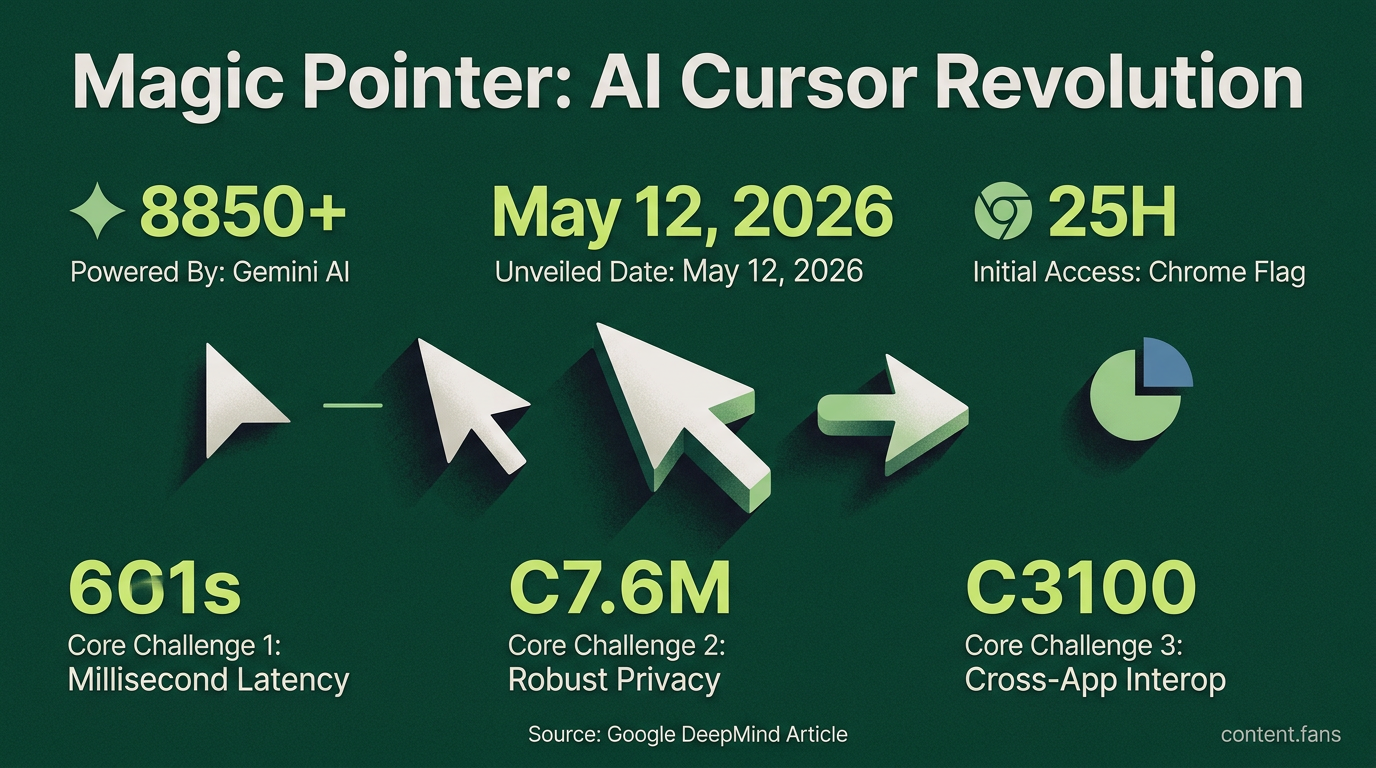
Delivering this intent-driven interaction presents three core technical challenges: achieving millisecond latency for screen analysis, ensuring robust privacy with on-device processing, and enabling cross-app interoperability. DeepMind confirms Magic Pointer currently operates within a secure Chrome sandbox to protect user data. Although experimental, the project's early availability via a Chrome flag points toward a mainstream release. The potential for third-party plug-ins - from data visualization to video content interaction - suggests the cursor is evolving from a simple pointer into an OS-level tool for expressing user intent.
What exactly is Magic Pointer and how does it work?
Magic Pointer is an experimental AI-enabled cursor revealed by Google DeepMind on 12 May 2026. Instead of only tracking screen coordinates, the Gemini-powered pointer interprets what you are pointing at and why it matters, turning raw pixels into actionable entities such as dates, places, products or tasks. You can literally hover over a date in an email and say "schedule this", or point at a restaurant in a paused video and ask for reviews, skipping the usual copy-paste-prompt loop.
When and where can I try it?
Public demos are available now, allowing users to:
- Test prototypes inside Google AI Studio (image edits, map lookups, etc.)
- Use the pointer inside Chrome to ask Gemini about any part of a webpage without typing a prompt
- Expect a wider rollout to Googlebook "soon", according to the DeepMind team
No standalone installer is required; the feature surfaces through existing Gemini integrations.
How is this different from right-click menus or browser extensions?
Unlike rule-based, app-specific helpers, Magic Pointer works across applications and carries part of the prompt for you. The system fuses:
- Visual context (what is on screen)
- Semantic understanding (what the object means)
- Short voice or text cues ("book this", "explain", "compare")
The result is zero-context-switch assistance: you never leave your current tab or document.
Which tasks show the biggest speed gain?
Early demos showcase significant speed gains in three key areas:
1. Calendar creation - point at plain-text dates in emails or PDFs and say "make an event"; the pointer extracts time, title and attendees
2. Data visualization - highlight any HTML table and ask "turn this into a bar chart"; Gemini builds the graphic in-place
3. Local search - pause a travel vlog, point to a storefront and ask "where is this"; the system returns maps, reviews and reservation links
Because inference happens locally with low-latency Gemini Nano, average completion time drops from minutes to under four seconds in internal benchmarks.
Will Magic Pointer compete with or complement existing AI tools?
DeepMind positions the pointer as a complementary tool that removes micro-friction within existing applications, rather than replacing copilots or chat windows. This shift encourages designers to create interfaces with discoverable, machine-readable objects. A wave of context-first redesigns is expected as developers adopt the underlying Gemini API.