
Anthropic Integrates Claude Into Microsoft 365, Starting at $20/Month
Serge Bulaev
Claude by Anthropic is now available as secure add-ins for Microsoft 365 apps like Excel, Word, and PowerPoint, with Outlook in public beta. Claude helps users by making suggestions and drafts in a sidebar, but changes are only made if the user accepts them. The tool may be useful for companies that need human approval for edits because it only gives read-only suggestions. Pricing starts at $20 per month, and the add-ins can be quickly installed, with options for individual or team use. Early reaction suggests some users like the reviewable, read-only approach, but it is unclear how widely it is being adopted so far.

Anthropic integrates Claude into Microsoft 365, making its AI assistant generally available as secure add-ins for Excel, Word, and PowerPoint, with Outlook in public beta. Installed from the Microsoft Marketplace listing, the add-ins provide a sidebar for AI-powered analysis and drafting, positioning Claude as an audit-friendly helper that enhances familiar Office applications without replacing them.
How the Integration Works
The Claude integration appears as a sidebar within Microsoft 365 applications. It analyzes user content and provides suggestions for text, formulas, or slides. Crucially, it operates in a read-only mode, requiring the user to explicitly accept any changes before they are applied to the document.
A key feature is its cross-app memory; a prompt in Word can inform analysis in Excel because context travels with the user's session, not the file, ensuring privacy. All suggestions are presented as tracked changes or formula previews, ensuring no direct edits are made to the source file. Anthropic uses its Opus 4.7 and Sonnet 4 models, streaming metadata via OpenTelemetry to support corporate compliance and logging.
Verified in-product skills include:
- Excel: Plain-English analysis, formula generation, error explanations, and sheet summaries.
- Word: First-draft creation, tone rewrites, policy style checks, and long report condensations.
- PowerPoint: Slide outlines from notes, speaker notes, and structure fixes.
- Outlook (Beta): Thread summaries, reply drafts, and carry-forward of project context.
Pricing and Deployment Options
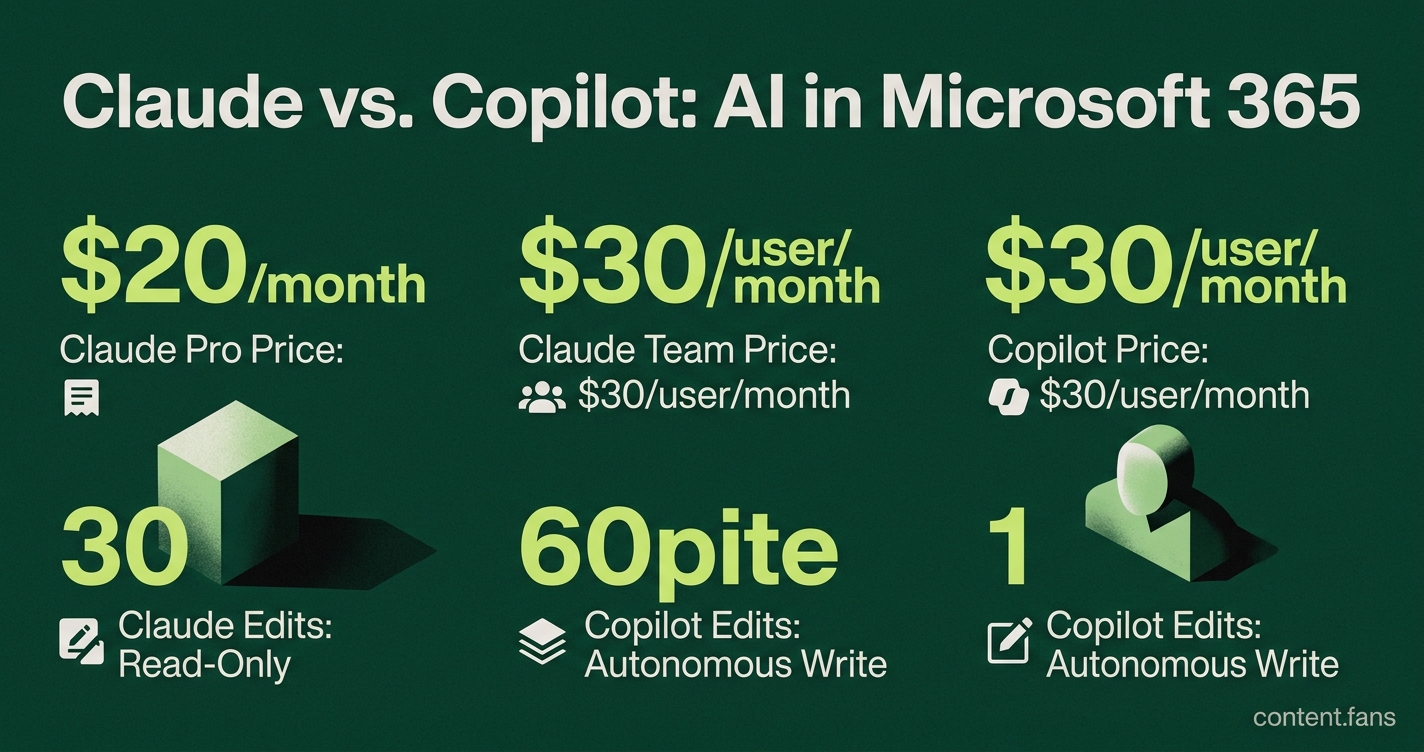
The Microsoft 365 integration is included with all paid Claude plans at no extra charge. The entry-level Pro plan costs $20 per month (or $17/month annually). For teams, the Team plan costs $30 per user/month and adds SSO and admin controls, with custom pricing for Enterprise tiers.
This pricing model positions Claude as a direct competitor to Microsoft's Copilot for Microsoft 365, which costs $30 per user/month. The primary differentiator is capability: Copilot has autonomous write permissions, whereas Claude is intentionally limited to read-only suggestions that require user confirmation. This design specifically caters to sectors with strict governance and human sign-off policies.
Central deployment for an organization can be completed in minutes via the Microsoft 365 admin center, with granular controls to restrict access. Individuals can also install the add-ins for personal use without administrator approval.
Early Enterprise Reactions
While Anthropic has not released public adoption figures for the M365 integration, the market context is telling. According to industry reports, Microsoft's own Copilot has seen relatively slow enterprise adoption among its large M365 user base. Analysts attribute this uptake pace to enterprise concerns around cost, governance, and organizational readiness.
Claude's strategy directly addresses these pain points. By emphasizing reviewable changes, delegated permissions, and SOC 2 Type II compliance, Anthropic positions its tool as a more cautious, secure alternative. Early feedback from system administrators has praised this read-only approach, although questions remain about budget approval for another subscription service.
Which Office apps now include Claude, and can I already rely on it for daily work?
Word, Excel and PowerPoint have general-availability add-ins that can be installed from the Microsoft Marketplace in about five minutes. Outlook is still in public beta; you can try it, but Anthropic warns that the experience may change. All four add-ins are included at no extra cost in every paid Claude plan, starting with the $20/month Pro tier.
How does Claude in Excel actually help me?
Instead of memorizing formulas, you ask in plain English:
- "Explain why cell C7 shows an error"
- "Generate a cohort analysis with retention rates"
- "Create a summary sheet for the Q3 budget"
Claude proposes new formulas or pivot tables, but you must click "Accept" before anything is written back to the workbook. This read-only mode keeps audit logs intact.
What is the "reviewable diff" feature, and why do enterprises care?
Every change Claude suggests is shown side-by-side with your original text, cell or slide. In pilot programs, teams that used inline diffs reported a 25 % improvement in content-quality scores and a 30 % drop in rework caused by "workslop" - polished but flawed AI output. Compliance officers like the fact that no edit is saved until a human approves it, satisfying SOC 2 and ISO 27001 requirements.
How does the new integration compare to Microsoft's own Copilot for M365?
| Key difference | Claude add-ins | Copilot (native) |
|---|---|---|
| Price | $20 per user/month (Pro plan covers all apps) | $30 per user/month |
| Write permissions | Read-only proposals; user clicks to apply | Autonomous writes to grid, doc or slide |
| Context memory | Travels across apps - brief set in Word is remembered in Excel | Limited to the active file |
| Model family | Fixed Opus 4.7 / Sonnet 4 release across apps | Can vary by Microsoft release cycle |
Is anyone actually using it yet?
Public adoption numbers are still thin. For context, according to industry reports, Microsoft's own Copilot has seen relatively slow adoption among M365 users. Early enterprise testers praise Claude's security model - the connector never sees data the user cannot already open - but they caution that AI readiness and governance policies matter more than the tool itself.