Slack AI Adds Multi-Language Support, Admin Controls for Enterprise
Serge Bulaev
Slack AI now offers multi-language support for summarizing messages and files, working directly in English, Spanish, and Japanese. Real-time translation may help teams use over 50 interface languages, but summaries are only generated in those three languages for now. Admins get more control, with options to set who can use each AI feature and exclude sensitive channels from AI processing. Usage analytics are available, but there do not appear to be built-in alerts for spending limits. Slack has announced plans to expand language support and summarization features, but no specific dates or languages have been named yet.

Slack AI is transforming enterprise collaboration with expanded multi-language support and granular admin controls for its powerful automation tools. As these features roll out across paid plans, organizations can leverage AI for channel recaps, thread summaries, and file analysis while maintaining strict governance. This article details Slack AI's current capabilities, administrative tools, and key limitations for enterprise deployment.
Understanding Slack AI's Multi-Language Capabilities
Slack AI supports summarization and search capabilities across multiple languages, though the specific extent of native language support varies by feature. The platform leverages AI-powered translation to enable broader language accessibility for teams working in different languages.
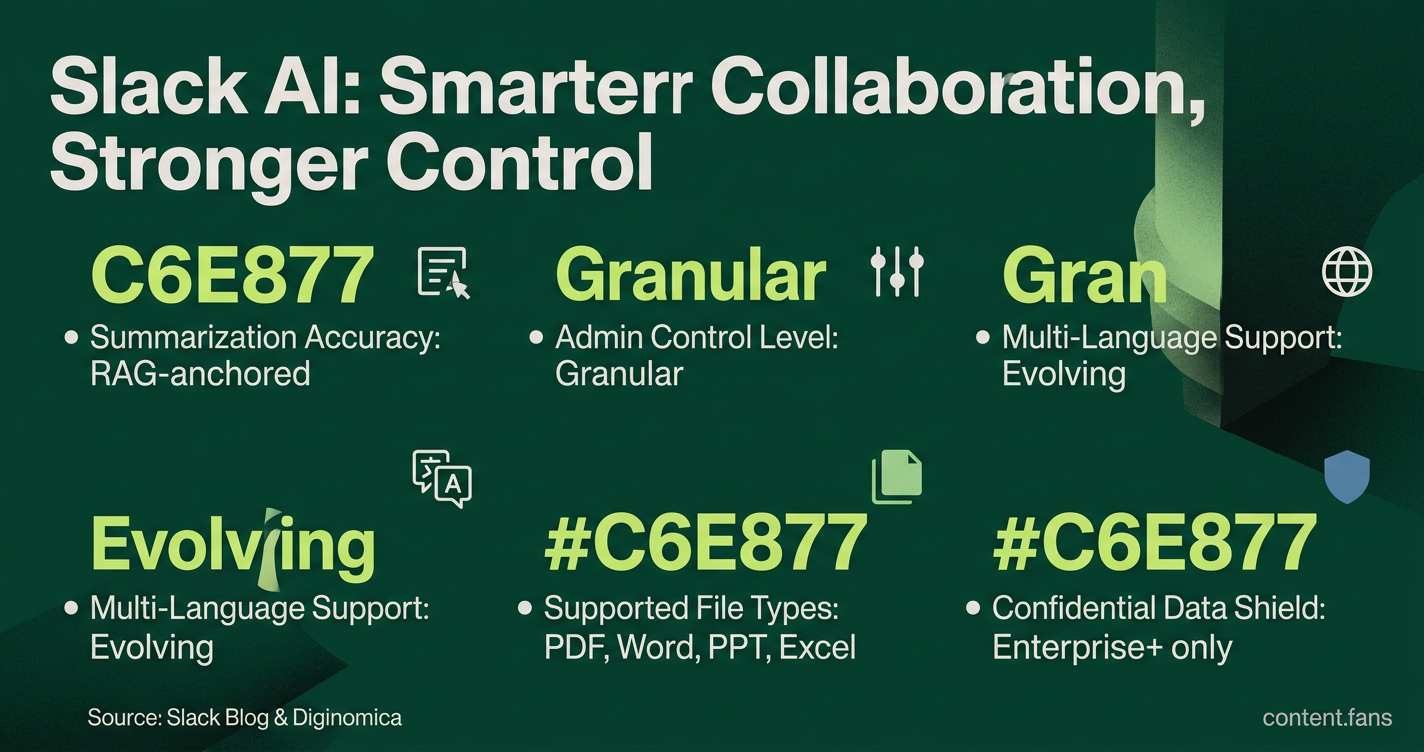
While Slack's interface supports multiple languages, the exact scope of native summarization capabilities across different languages is still evolving. According to the company, AI-powered summarization and search features are available to help teams work more efficiently, with ongoing development to expand language support (Slack Blog). Teams using various languages can benefit from AI features, though the underlying processing may vary depending on the specific language and feature combination.
To ensure accuracy, every summary is anchored to source messages using Retrieval Augmented Generation (RAG). As noted by analysts at Diginomica, this grounding in actual workspace data helps prevent hallucinations and allows users to verify context through source links (Diginomica).
Core AI Summarization Tools for Productivity
Slack AI offers a suite of tools designed to distill information and save time. These features have gained significant adoption across organizations, helping teams stay informed and productive.
- Channel Summaries: Condense entire channels or specific date ranges in a single click.
- Thread Summaries: Get action-oriented recaps of complex side conversations.
- Daily Recaps: Receive an automated digest for subscribed channels (available on Business+ and higher).
- File Summarization: Generate automatic overviews of PDFs, Word, PowerPoint, and Excel files.
- Huddle Notes: Get transcribed and summarized audio from meetings (available on Pro plans and higher).
Granular Admin Controls for AI Governance
Administrators can manage AI adoption through the Feature access menu, which allows for precise control at the workspace or organization level. For each AI capability, admins can set access to "Everyone," "No one," or specific user groups. Enterprise+ customers gain the ability to exclude specific channels, canvases, or lists from all AI processing, effectively shielding confidential data from search and summarization (Slack Help).
It is important for admins to review these settings, as Slack updated its plan tiers and expanded AI access on June 17, 2025. This change has prompted many security teams to evaluate and adjust their AI governance controls.
Monitoring Usage: Analytics and Cost Management
The analytics dashboard provides insights into how frequently users engage with AI Search, summaries, and huddle notes. While this data is valuable for tracking adoption, the platform offers no native financial governance tools.
| Governance Feature | Available Plans | Key Details |
|---|---|---|
| Feature Access Controls | Pro, Business+, Enterprise | Four access levels per AI feature |
| Channel/Canvas Exclusions | Enterprise+ | Block AI processing in sensitive spaces |
| AI Usage Analytics | All paid plans | Tracks views, creations, and reactions |
| Automated Spend Alerts | None | Requires manual dashboard review or external tools |
Organizations that need to prevent budget overruns must export usage metrics to an external monitoring platform, as there are no built-in alerts for spending thresholds.
Deep Integration with Salesforce and Other Systems
As a Salesforce company, Slack's deepest integration is with its parent company's CRM. Slack AI capabilities enable enhanced productivity by allowing users to interact with Salesforce data and workflows directly within the chat interface. Organizations report significant time savings and high satisfaction rates when using these integrated features.
While Slack AI can also surface answers from connected Google or Microsoft files, there is no native integration for Microsoft Dynamics; connecting to it requires custom APIs or third-party agents.
The Road Ahead: Future Plans and Current Realities
Slack executives have committed to expanding summarization capabilities and integrating deeper data sources like clips and third-party apps. However, with no public timelines, enterprises should base their strategy on current capabilities and plan for gradual feature expansion.
The combination of granular access controls and deep CRM automation positions Slack as a powerful execution surface, not just a communication tool. Yet, the absence of built-in spend alerts means that full financial governance still depends on external solutions.