
New guide integrates NotebookLM and Claude for 10 research workflows
Serge Bulaev
A new guide by Nitin Sharma describes ten ways to use NotebookLM and Claude together for research workflows, focusing on making each tool do what it does best. The guide suggests that users can improve their work by having NotebookLM handle source retrieval and Claude handle reasoning or formatting, while keeping all claims traceable to original documents. Sharma's workflows include tasks like comparing viewpoints, generating presentations, and making study tools, and appear to use technical integration to let Claude access citations directly from NotebookLM. Some features may depend on local API calls, and users are advised to check permissions. The guide's clear prompts and direct approach seem to help more people try these connected workflows.

A new guide that integrates NotebookLM and Claude for 10 research workflows is gaining significant attention from knowledge workers seeking to optimize document-heavy tasks. Published by Nitin Sharma, the popular guide moves beyond basic summarization to create a powerful, integrated system where each AI tool performs its specialized function - source-grounded retrieval in NotebookLM and higher-order reasoning in Claude - while ensuring all claims remain traceable to the original documents.
What makes the ten workflows different
These workflows leverage each tool's strengths: NotebookLM for accurate, source-grounded retrieval and Claude for advanced reasoning and content generation. This integrated approach allows users to produce complex, traceable outputs like comparative analyses or presentations directly from a collection of source documents without manual summarization.
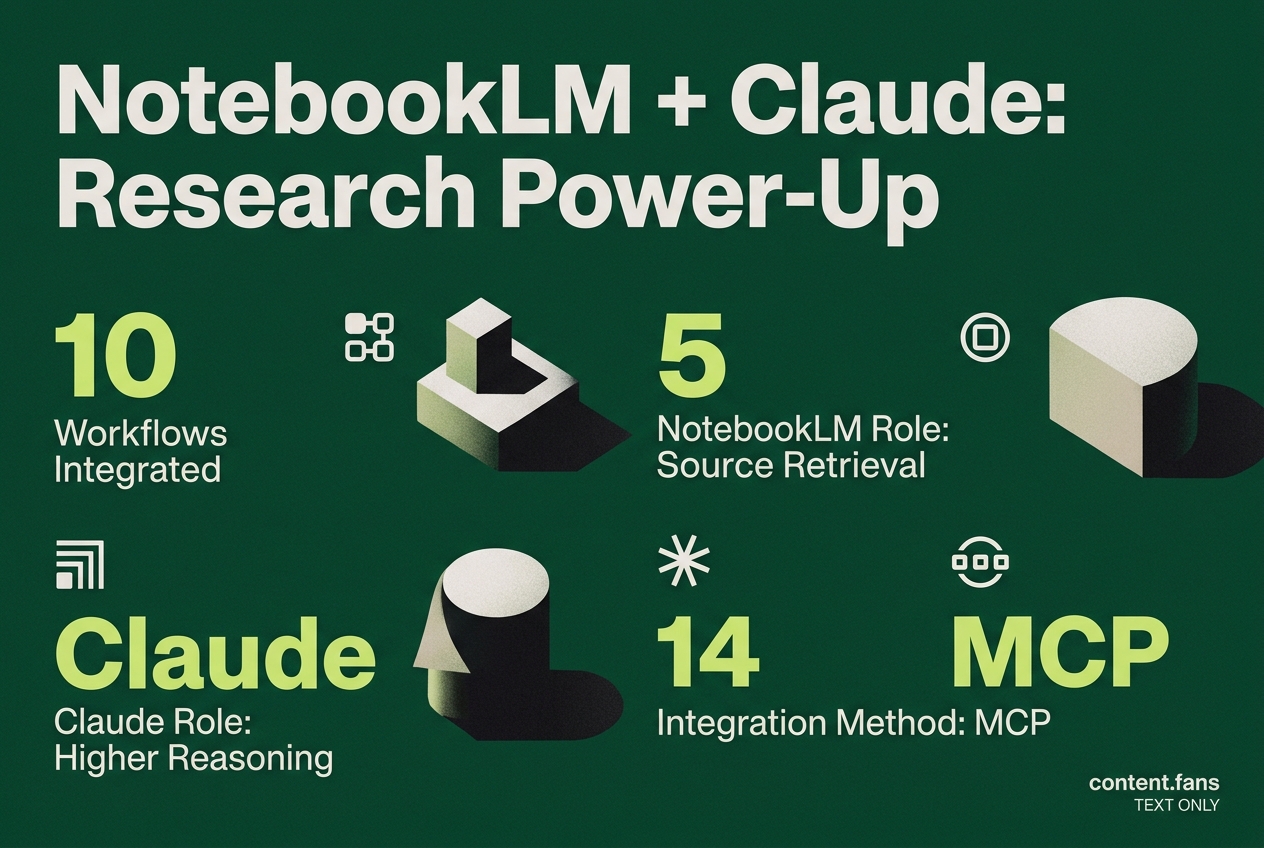
Sharma's guide outlines several advanced patterns. For instance, "research synthesis" involves using Claude to directly query NotebookLM's citations from uploaded PDFs to compare viewpoints and identify contradictions. He demonstrates this using a custom MCP integration connecting Claude Desktop to NotebookLM ten workflows. Another key workflow generates fully-cited presentations by having Claude pull bullet points, images, and page numbers from NotebookLM sources.
Other highlighted routines include:
- Multi-notebook querying to spot themes across projects.
- Flashcard and quiz generation for study workflows.
- Content repurposing that turns the same note set into briefs, FAQs, or tables.
Each recipe starts with a prompt template, followed by a short "why it matters" section so readers can judge fit.
Reported technical unlocks
The technical foundation for these workflows is detailed in a companion guide on AIMaker, which explains how Sharma linked the two applications via MCP. The guide notes that "everything you can do in NotebookLM - you can now trigger directly from Claude" MCP setup guide, suggesting the core innovation is enabling Claude to retrieve citations on demand instead of working from static, pasted summaries. According to the same post, the integration also supports:
| NotebookLM feature | Triggered action inside Claude |
|---|---|
| Mind map view | export as SVG with citations |
| Audio overview | transcribe and insert timestamps |
| Source compare | produce pro-con tables |
While Google has not publicly confirmed full MCP support, the workflow appears to rely on local API calls rather than undocumented endpoints. Users are therefore advised to verify permissions before moving corporate material into the pipeline.
Adoption context
The growing interest in such chained workflows aligns with broader market trends. Users are exploring more complex applications beyond basic AI tasks. Concurrently, NotebookLM has gained a substantial user base for advanced research tools, indicating strong adoption among researchers and knowledge workers.
Why the guide resonates
The guide's practical appeal is enhanced by its direct, "No BS" tone. Each workflow includes a copy-paste prompt, significantly lowering the barrier for users to experiment. For teams already using NotebookLM for source analysis and Claude for drafting, Sharma's methods offer a clear path to eliminating manual steps while improving the provenance of AI-generated content - a growing priority for organizations.
What makes this integration different from basic AI summarization?
The guide moves past the common pattern of using NotebookLM solely for summarization and Claude only for writing from those summaries. Instead, Nitin Sharma's ten workflows treat the two tools as a unified research and production system. For example, you can have Claude query NotebookLM sources directly to synthesize research across dozens of documents, or generate presentation decks tailored to specific audiences - all while remaining grounded in your original source material.
How does the MCP connection change what's possible?
Sharma describes connecting NotebookLM directly to Claude Desktop using MCP (Model Context Protocol), which unlocks a deeper integration than simple copy-paste workflows. This setup allows Claude to query NotebookLM research sources during a conversation and trigger NotebookLM features - like generating audio overviews or mind maps - without leaving your Claude session. One practical result: you can ask Claude to research across many sources in NotebookLM and output a structured deck, with the AI referencing specific documents throughout.
What are the highest-value workflows for research-heavy tasks?
Several workflows stand out for knowledge workers dealing with complex information:
- Cross-notebook synthesis - Claude can compare themes, contradictions, and gaps across multiple notebooks (competitor research, customer interviews, product notes) to surface patterns invisible when viewing sources in isolation
- Research-to-product pipelines - turning NotebookLM-grounded findings into branded slides, reports, or even prototype applications through Claude
- Multi-source Q&A - querying multiple notebooks in a single Claude session to answer questions that span projects or time periods
These patterns excel where the question isn't "what does this one document say?" but "what patterns emerge across my entire knowledge base?"
Which tool handles which part of the workflow?
| Task | Better choice |
|---|---|
| Fast Q&A from a small source set | NotebookLM |
| Deep synthesis across many documents | Claude with NotebookLM-grounded inputs |
| Audio overviews, flashcards, quizzes | NotebookLM first, then Claude for refinement |
| Drafting polished content from notes | Claude |
| Multi-notebook contradiction analysis | Claude + NotebookLM integrated workflow |
The core principle: NotebookLM provides source-grounded retrieval, while Claude adds higher-order reasoning, structuring, and production.
What does current adoption tell us about these tools?
Usage patterns show both tools expanding beyond their original niches. Users are increasingly exploring more complex applications beyond basic AI tasks. For NotebookLM, there's strong retention among researchers and students, with positioning solidifying around AI-assisted learning and document-grounded analysis. This convergence - Claude moving toward more research-like tasks, NotebookLM adding production features - helps explain why integrated workflows are gaining traction among knowledge workers.