
Google Ads bans offline conversions older than 7 days from DDA
Serge Bulaev
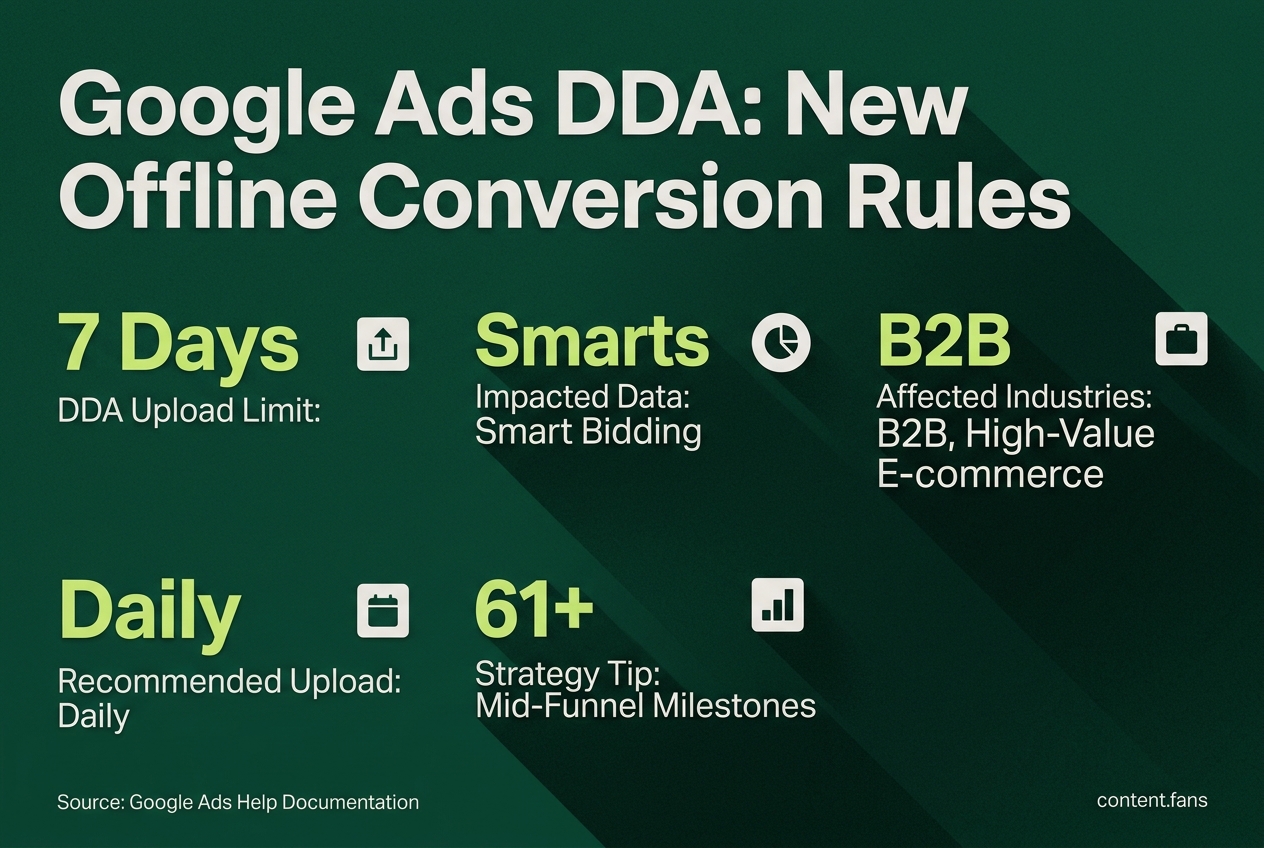
Google Ads now requires offline conversions to be uploaded within seven days to count in data-driven attribution (DDA). Conversions uploaded after seven days still appear in reports but do not influence DDA, which may cause some measurement gaps. Advertisers with longer sales cycles might be affected, and Google suggests uploading earlier milestones if final sales take longer. The rules also set other time limits for importing conversions, and a new Data Manager API will be needed for uploads starting June 2026.

According to industry reports, Google Ads has established a strict upload limit for offline conversions to influence its data-driven attribution (DDA) model. This policy creates a critical distinction: conversions uploaded after a certain timeframe are still reported, but they do not feed into DDA or Smart Bidding, a change confirmed by recent industry coverage from PPC News Feed. For advertisers with longer sales cycles, this can create a significant measurement gap.
What Is the DDA Upload Limit?
The new rule requires that offline conversion events must be uploaded to Google Ads within a specific timeframe to be used by data-driven attribution. Conversions uploaded after this deadline are visible in your reports but are ignored by the DDA model, meaning they don't inform automated bidding.
According to the official Google Ads Help documentation, this change separates reported data from the data used for modeling. While your All conv. column might look accurate, the Conversions column and the underlying signals used by Smart Bidding may be incomplete. This is crucial because DDA is the default for new conversion actions, while some rule-based attribution models were retired earlier.
Who Is Most Affected by This Change?
This policy primarily impacts advertisers whose customer journey from click to final sale regularly exceeds the upload timeframe, such as B2B companies, high-value e-commerce, and industries with long consideration periods. When a sales team closes a deal and the CRM uploads the data after the deadline, that conversion will not help Smart Bidding learn which ads are most effective. This can lead to the system undervaluing campaigns that drive long-term revenue.
How to Adapt Your Strategy and Operations
To ensure your attribution models receive timely data, advertisers should adjust their upload cadence and strategy.
- Upload Data Daily: If possible, switch from weekly or ad-hoc uploads to a daily schedule to keep Smart Bidding fed with fresh data.
- Import Mid-Funnel Milestones: For sales cycles longer than the upload window, upload earlier conversion events like a "Marketing Qualified Lead" or "Demo Booked" as a proxy. The final sale can still be uploaded later for reporting purposes.
- Assign Distinct Conversion Values: When using milestone conversions, assign appropriate values to each stage. This helps the bidding algorithm understand the relative importance of each step in the funnel without overvaluing early-stage events.
- Monitor for Discrepancies: Analysts should compare the
ConversionsandAll conv.columns to identify any measurement gaps caused by late-arriving conversion data.
Other Deadlines and the 2026 API Migration
The DDA upload window operates alongside other existing time limits. Remember that offline conversions have various import limits depending on the conversion type and configuration.
Furthermore, Google has announced that all offline and enhanced lead conversion uploads must migrate to the new Data Manager API by June 15, 2026. While existing Google Ads API integrations will continue to function for active developers, new projects must use the new API. Preparing for this migration now will prevent data pipeline interruptions.