
Microsoft Unveils Scout, IQ to Power Enterprise AI Agents in Microsoft 365
Serge Bulaev
Microsoft has introduced new AI tools called Scout and IQ to help businesses use always-on assistants in Microsoft 365. These agents may handle tasks like scheduling meetings and tracking follow-ups, staying secure through Entra identity controls. Reports suggest Scout works across apps like Teams, Outlook, and SharePoint, and uses a layered design to manage workflows and data securely. Sensitive actions might still need human approval, and Microsoft says the new tools keep operations inside trusted boundaries with strong audit and access controls. Experts believe these features could become important as more companies start to use such agents in daily work.

Microsoft introduced Microsoft Scout as an always-on personal agent, and Microsoft described 'Autopilots' as the broader category of always-on agents for building Enterprise AI Agents in Microsoft 365. As businesses begin to deploy these assistants, early adopters are realizing significant value in agents that autonomously manage schedules, track action items, and resolve stalled workflows under secure Entra identity controls. These agents represent a major evolution from simple chatbots, offering continuous, proactive operation through governed Microsoft 365 APIs.
Architecture foundations
Microsoft Scout is a desktop AI application for Windows and macOS that works on local files and can optionally connect to Microsoft 365 data such as email, calendar, Teams, and OneDrive. Scout can access Microsoft 365 data and perform actions with user approval for sensitive operations, operating within Microsoft 365/enterprise controls.
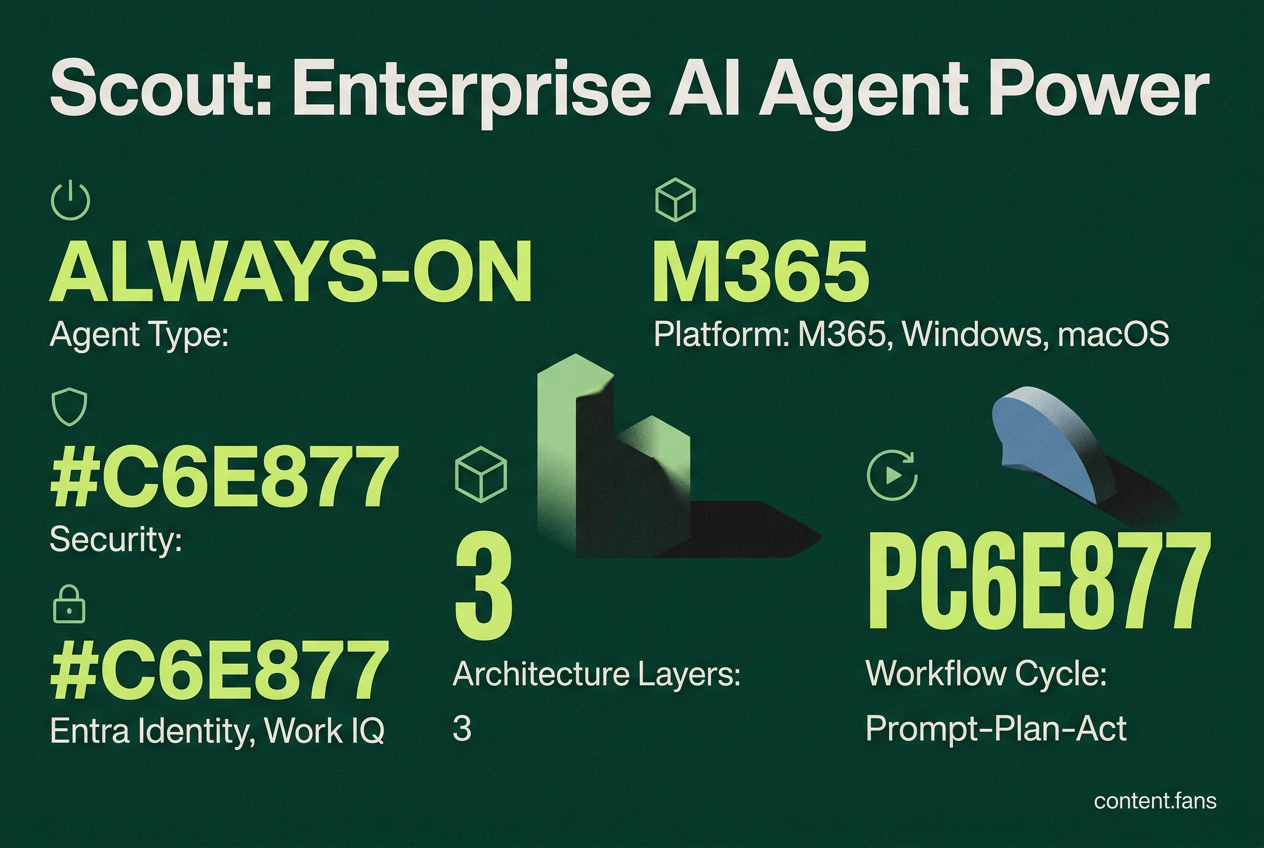
Scout functions as an always-on agent that can interact with Teams, Outlook, SharePoint, and local desktop files (Gadgets Now). Its architecture is structured in three distinct layers:
- Interaction: Agent workflows are initiated through channels like Microsoft Teams and Outlook.
- Orchestration: The OpenClaw runtime executes complex, multi-step tasks under Scout's dedicated Entra identity.
- Data and Action: Work IQ provides structured access to M365 entities and tools, enabling governed analytics from business data.
To enhance security and simplify auditing, agents use "Workspaces" for persistent state, ensuring no intermediate data is stored in unmanaged locations and reducing data egress risks.
Scout workflow patterns
Scout includes several pre-built workflow patterns, including automated reporting, meeting preparation, bug triage, and commitment tracking. Each workflow operates on a prompt-plan-act cycle. For instance, a bug triage agent can automatically process Azure DevOps tickets, create summaries in Teams, and assign follow-up tasks. Developers can define custom prompts for long-running processes, ensuring tasks are managed to completion. For critical operations, such as reopening a production incident, workflows can be configured to require human approval, maintaining essential human-in-the-loop oversight.
Security and governance with Work IQ
Work IQ serves as the secure data and action gateway for AI agents. The APIs are designed to keep all operations within the Microsoft 365 tenant trust boundary, with comprehensive audit trails for every action and strictly enforced, permission-aware access. Work IQ handles productivity data and extends this secure model to business intelligence, allowing agents to query governed datasets without requiring broad data export privileges. Key governance controls include scoped credentials, accessible audit logs, and the automatic application of Microsoft Purview sensitivity labels. This framework allows organizations to leverage their existing compliance tools, a critical factor for enterprise-wide adoption.
Enterprise readiness checklist
Before deploying autonomous AI agents, enterprise architects should perform several key readiness checks:
- Validate Entra identity scoping and confirm no privileged escalation paths.
- Map Work IQ tool permissions to existing role collections.
- Enable Purview sensitivity labels on SharePoint and OneDrive resources the agent touches.
- Configure Workspace retention so intermediate state purges after agreed intervals.
- Instrument KPIs such as time-to-schedule, unread email reduction, and ticket aging delta to quantify value.
Preview versions of Copilot Studio reportedly include Bicep templates to configure these settings quickly. When comparing Scout to competitors like Salesforce Agentforce or Snowflake Cortex Analyst, enterprises often find that deep integration with existing platforms is more critical than raw model performance. Scout is optimized for Microsoft 365 environments, while organizations heavily invested in other ecosystems may find different solutions more suitable.
What exactly are Microsoft Scout and Work IQ APIs, and how do they fit together?
Microsoft Scout is an always-on "Autopilot" AI agent introduced at Build. It runs across Microsoft 365 and the Windows desktop, acting proactively instead of waiting for prompts. Key capabilities include scheduling meetings, drafting replies in Teams and Outlook, surfacing blocked decisions, and managing follow-ups - all in the background.
Work IQ APIs (specifically Work IQ, Fabric IQ, and Web IQ) provide the intelligence layer that agents use to read context and trigger actions. Work IQ gives structured access to emails, chats, calendars, and documents. Fabric IQ exposes governed business data and semantic models. Web IQ supplies current external facts. Together they let Scout act inside the Microsoft 365 tenant trust boundary while respecting existing Microsoft Purview labels and DLP rules.
How does Scout's enterprise security model work, and what guardrails are built in?
Scout operates under its own Microsoft Entra identity, scoped to the task at hand. Every action is logged in a full audit trail visible through Microsoft 365 compliance centers. Sensitive actions can be configured to require human approval before execution. The agent inherits existing Purview sensitivity labels, so if an email is marked "Confidential", Scout will not move it to an unauthorized location. All intermediate data is stored in Workspaces that are tenant-bound and encrypted at rest.
Which connectors and integration points are available today?
Out of the box, Scout connects to:
- Microsoft 365 apps: Teams, Outlook, SharePoint, OneDrive, Calendar, Contacts
- Desktop and browser: Windows context menu, Edge tabs, local files
- Power Platform: Many connectors via Power Automate and Copilot Studio
- External systems: MCP servers, REST endpoints, and third-party ITSM tools through Gateway services
The Work IQ APIs expose four domains: Chat (Copilot-style responses), Context (structured data), Tools (send mail, book meetings), and Workspaces (agent scratchpad). These endpoints are being made available through preview programs.
How does Microsoft's stack compare to Salesforce Agentforce or Snowflake Cortex Analyst?
| Primary Need | Recommended Platform | Key Strength |
|---|---|---|
| CRM-centric sales, service, and customer workflows | Salesforce Agentforce | Native to Salesforce data clouds with built-in CRM automation |
| Employee productivity in Microsoft 365 | Microsoft Scout/Copilot Studio | Deep integration with Teams, Outlook, SharePoint, and existing governance |
| Governed analytics and NL-to-SQL over warehouse data | Snowflake Cortex Analyst / Intelligence | Semantic modeling and strict data-access controls inside Snowflake |
Microsoft's advantage lies in ubiquitous Microsoft 365 presence, making it the fastest route to productivity automation for enterprises already standardized on Teams and Outlook.
What practical next steps should enterprise architects take to pilot Scout and Work IQ?
- License: Confirm GitHub Copilot license (a prerequisite) and apply to the Frontier early-access program
- Governance review: Map Microsoft Purview labels and DLP policies to Scout scopes; set human-in-the-loop approvals for high-risk tasks
- Integration checklist:
- Enable Work IQ APIs in the tenant (preview)
- Create service principals for Scout with least-privilege entra roles
- Set up Power Platform connectors to ticketing and ITSM systems - Pilot workflow: Start with low-risk use cases such as meeting prep (pulling last 5 emails + deck from SharePoint) or stalled-decision alerts
- KPI baseline: Track hours saved per employee, escalation rate, and audit-error count to demonstrate ROI within 30 days