
Mailchimp Expands AI Tools, Visual Journeys for Small Businesses
Serge Bulaev
Mailchimp has introduced new automation and AI tools for small businesses, including a visual Customer Journey Builder and AI subject line suggestions. These tools may make it easier for companies with a few hundred to a few thousand contacts to set up data-driven email sequences, but some users have concerns about pricing and complexity. Reviewers say the platform's new features, like multi-step journeys and cross-channel marketing, could help boost engagement, yet they note that results and improvements vary. Adoption may be difficult for some users due to a learning curve and higher costs for advanced features. There might be more updates soon, including better integrations and AI-generated content, but details are not confirmed.

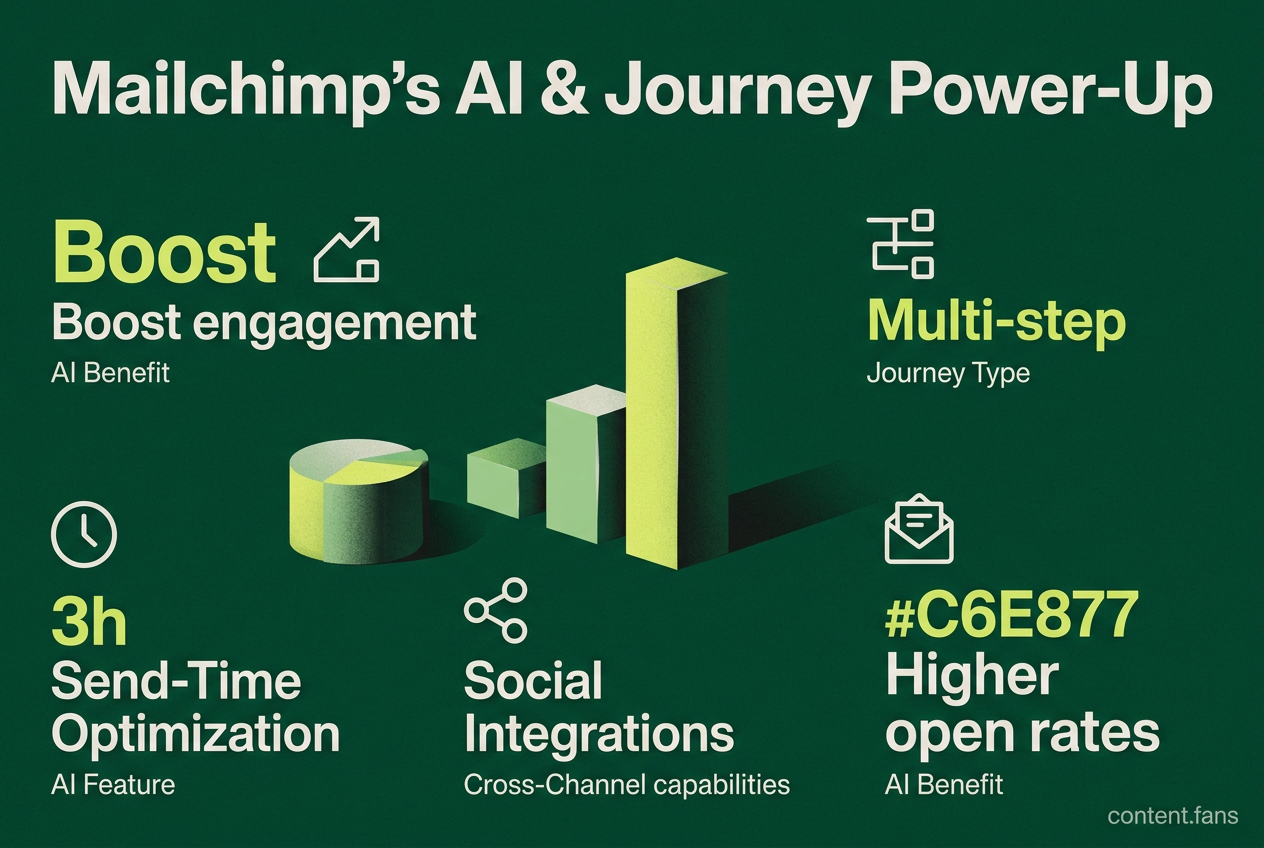
Mailchimp's AI tools and Customer Journey Builder are designed for businesses of all sizes to simplify automated marketing, with AI enhancing personalization and efficiency. Designed for companies with contact lists ranging from a few hundred to several thousand, these features enable sophisticated, data-driven email sequences. While the platform's multi-step journeys and cross-channel capabilities can significantly boost engagement, some users note a steep learning curve and higher costs for advanced features.
What the Visual Workflows Actually Do
Mailchimp's Customer Journey Builder provides a drag-and-drop canvas for creating automated email sequences. Users can set triggers, add conditional branches based on customer behavior like clicks or purchases, and use pre-built templates for common scenarios like abandoned carts, welcome series, and post-purchase follow-ups.
The builder allows users to map out customer interactions visually, using rules like, "If a purchase tag is added, wait three days before sending a review request." Welcome series, abandoned cart nudges, post-purchase advice, and re-engagement offers are common templates available to users. These templates can branch based on user activity to prevent list fatigue.
Multi-step journeys are available on both Standard and Premium plans, with Premium offering additional features. Essentials users can access single-step automations, but multi-step journeys are not restricted to Standard only.
Layering AI on Top of Journeys
Mailchimp enhances its automation with several AI-powered features:
- Content Optimizer: Analyzes and refines email copy for tone, length, and best practices.
- Send-Time Optimization: Schedules emails to send at the exact time each individual subscriber is most likely to open them.
- Predictive Segmentation: Automatically groups contacts into segments like "likely to purchase" or "at risk of churning."
- Creative Assistant: Recommends design and layout adjustments to improve visual appeal.
Third-party benchmarks suggest AI-powered subject line optimization can increase open rates significantly compared to untested lines, though results vary by campaign and industry. The most significant gains are typically seen by brands moving away from generic, unoptimized copy.
Cross-Channel Marketing with Social Integrations
Customer journeys can now extend beyond email to trigger social media ads and posts on Facebook, Instagram, and Google directly from the Mailchimp dashboard. This creates a closed-loop marketing system where lead data flows bidirectionally between platforms. While results vary by industry, some businesses using integrated email and social campaigns have reported significantly higher engagement and click rates compared to email-only strategies.
Adoption Hurdles and Competitors
Despite the powerful features, new users face two main challenges:
1. Learning Curve: Mastering branching logic and predictive segmentation requires practice, particularly for those accustomed to simple newsletter tools.
2. Pricing: Upgrading from the Essentials to higher-tier plans to access advanced automation can represent a significant cost increase for small businesses.
While competitors like Klaviyo and HubSpot offer comparable or more advanced predictive analytics, Mailchimp is often cited for its user-friendly interface, making it accessible for non-technical users. However, businesses with deep e-commerce needs or complex CRM requirements may find they outgrow Mailchimp's capabilities.
What to Watch Next
Mailchimp continues to expand its AI capabilities, with ongoing development of features that allow users to draft email content directly from text prompts. While real-world performance data is still emerging, these features aim to reduce content creation time. Future updates are expected to focus on deeper ad platform integrations and AI-driven "next best action" recommendations within the dashboard, though official timelines have not been released.
What AI features does Mailchimp offer for businesses?
Mailchimp has introduced AI capabilities built for non-technical users:
- Content Optimizer - drafts subject lines, body copy and CTAs that can improve open rates versus manually written lines.
- Send-Time Optimization - machine learning picks optimal timing for each subscriber to increase engagement.
- Predictive Segmentation - creates dynamic audiences such as "Likely to purchase" or "At risk of churning", delivering higher conversion rates than bulk broadcasts.
The platform also includes AI features for content generation and a Creative Assistant that provides design recommendations.
Which plans give access to the advanced Customer Journey Builder?
Multi-step, branching journeys are available on Standard and Premium plans.
- Standard includes send-time optimization, dynamic content and audience segmentation features.
- Essentials users can access single-step automations but have limited access to complex branching journeys. Pricing varies by contact count and features selected.
How does the Customer Journey Builder actually work?
The drag-and-drop visual map lets you:
- Drop if/then branches based on clicks, purchases or other customer behaviors.
- Insert time delays ("wait 3 days"), pauses and cross-channel steps.
- Use pre-built templates for abandoned cart recovery, post-purchase follow-ups, re-engagement and other common scenarios.
Users report that while the interface is intuitive, there can be a learning curve as workflows become more complex.
How does social media integration improve email campaign results?
Mailchimp feeds email and social data into a single audience, creating a coordinated marketing system:
- Brands running coordinated email and social strategies often see improved customer lifetime value versus single-channel efforts.
- Retargeted social ads built from email lists typically convert better than cold audiences and can reduce cost-per-click through lookalike audience targeting on Facebook & Instagram.
- A unified approach allows the same message to reach subscribers across multiple touchpoints.
Is Mailchimp better than Klaviyo or HubSpot for AI-driven automation?
| Strength | Mailchimp | Klaviyo | HubSpot |
|---|---|---|---|
| Best for | Beginners, smaller lists | E-commerce on Shopify | B2B with CRM depth |
| AI Highlights | Content optimizer, predictive demographics, subject-line testing | Deep retail revenue forecasting | CRM-driven AI across sales & marketing |
| Complexity | Easiest drag-and-drop builder | Moderate | Moderate |
| Pricing | Competitive entry-level pricing | Starts higher | Scales with contacts & CRM seats |
Industry experts suggest: choose Mailchimp when you need fast setup and accessible AI tools; pick Klaviyo for Shopify-focused stores, or HubSpot when the entire sales funnel requires AI enhancement.