
CapCut tops 2026 AI design tool rankings, boosts ByteDance's creative push
Serge Bulaev
CapCut has been named a top AI design tool for 2026, which may help ByteDance attract more marketing teams looking for fast creative solutions. Experts suggest its easy-to-use AI features and generous free tier let beginners make ads quickly. Early reviews show CapCut might make the design process much faster for small teams. However, rivals like Canva and Adobe Express still offer more templates and better brand management, so CapCut appears best for simple, short-form visuals.

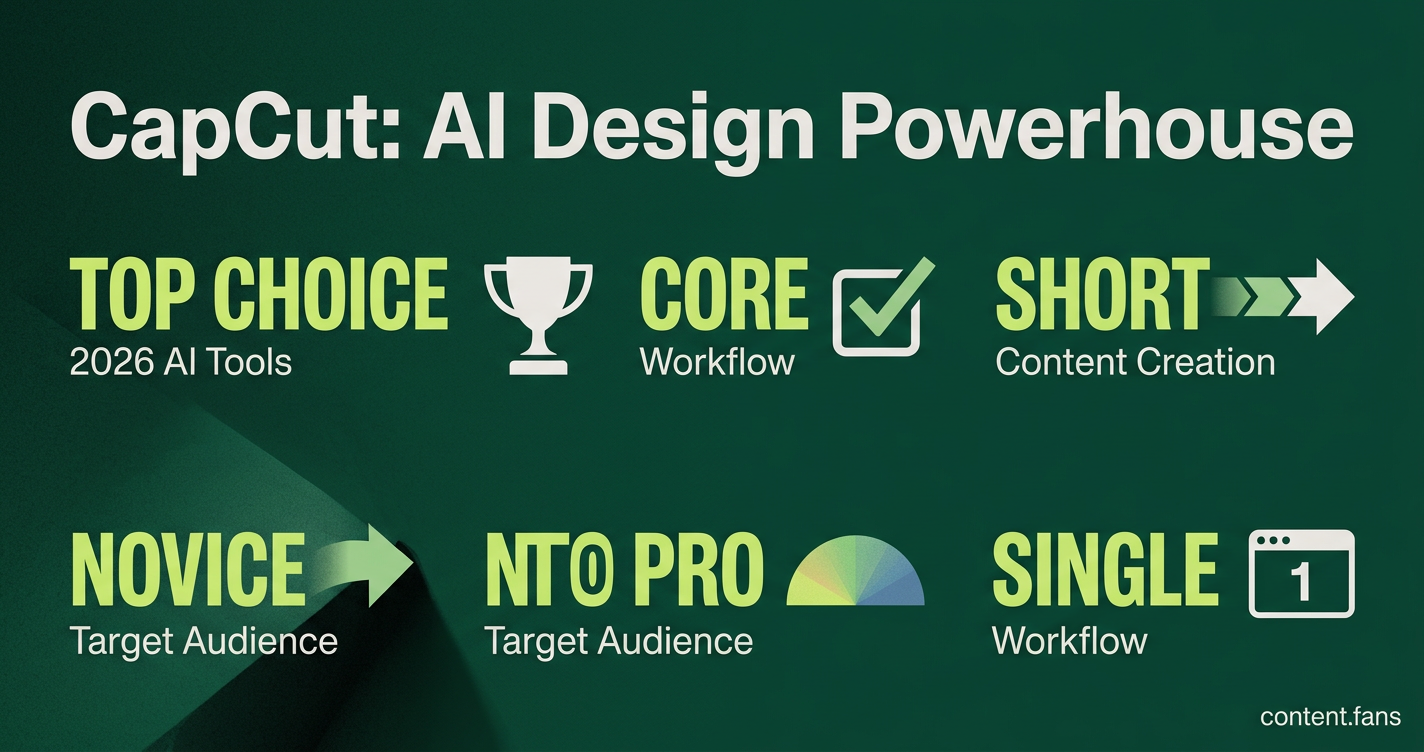
The recent announcement that CapCut was named a top choice among AI design tools for 2026 by Software Experts has placed the ByteDance editor on the radar of marketing teams seeking rapid creative solutions. Experts highlight its intuitive conversational AI and generous free tier, which empower even novice users to produce effective ads in minutes.
Early reviews confirm the platform significantly shortens the content creation lifecycle, signaling a potential shift in how small teams manage design workflows. Its AI Design Studio 2.0 interface processes text prompts, sketches, or image references to generate print-ready layouts on an expansive infinite canvas.
Inside the evaluation: Best AI Design Tools (2026): CapCut Named a Top Choice for Creating Images and Marketing Assets by Software Experts
CapCut achieved recognition as a top choice by excelling in ease of use, AI output quality, and feature depth, according to Software Experts. The tool matched or exceeded paid competitors in key areas while maintaining a free core workflow, making high-quality, AI-powered design accessible to a broader audience.
The evaluation from Software Experts benchmarked leading products against multiple criteria including ease of use, AI output quality, feature depth, pricing, integration, and commercial rights. CapCut scored highly in several categories, reportedly matching paid rivals while offering its core features for free. According to industry reports, the platform's AI capabilities have received positive feedback for marketing asset generation.
Key capabilities marketers are adopting
- Infinite canvas with a chat-style prompt bar that proposes layouts in real time
- Pencil Prompting to circle or brush areas that need revision instead of rewriting prompts
- Smart Layer Split separating product, background, and copy for precise tweaks
- Batch Replacement that swaps a catalog of products into a shared scene with one click
- "One More" creative expansion tool that offers new variants for A/B testing
These capabilities are consolidated within a single browser tab, streamlining the workflow and eliminating the need for multiple applications. For example, a creator can generate multiple platform-specific ad variants from a single product photo within one conversational workflow, a process detailed in the official walkthrough on CapCut's design page.
Pricing context and free-tier limits
CapCut Web provides a generous free tier with daily watermark-free exports before prompting a subscription to its monthly plan. This model, which experts consider competitive against rivals in the market, places the paywall late in the user journey. This allows small businesses to complete entire campaigns before incurring costs, while still exploring premium features like exclusive fonts, stock assets, and 4K rendering.
Where rivals still lead
Despite its strengths, competitors still hold advantages in specific areas. Canva offers a more extensive template library and includes native social scheduling. Adobe Express provides superior brand governance through its deep integration with Creative Cloud libraries. Meanwhile, VEED.io appeals to users with privacy concerns due to its project storage outside the ByteDance ecosystem. These factors position CapCut primarily as a powerful, self-contained tool for generating short-form visuals, while teams with enterprise-level needs for brand control or compliance may require a multi-tool stack.
Ultimately, CapCut's recognition as a top choice signals a significant maturation in the AI design market. High-quality generative tools are now a baseline expectation accessible from a web browser, and the new frontier for differentiation is shifting toward governance, specialized integrations, and enterprise-grade features, rather than core generation quality alone.
What makes CapCut's AI Design Studio stand out from other design tools?
CapCut's AI Design Studio 2.0 operates as a web-based, conversational workspace where marketers generate ads, product visuals, and branded content without prior design experience. The platform combines an infinite canvas with a conversational AI agent that responds to natural language prompts and reference uploads in real time - eliminating the traditional "blank template" starting point that slows many creative workflows.
The studio's standout capabilities include automated layout generation, batch product replacement for e-commerce scaling, AI try-on visualization for fashion marketing, and advanced AI models for high-quality marketing posters and typesetting according to industry reports.
How does CapCut compare to competitors like Canva and Adobe Express?
While Canva dominates template-driven design with deeper graphic tools and built-in publishing, and Adobe Express leads for brand-integrated workflows with Adobe Stock access, CapCut differentiates through AI-native workflow automation and zero-cost entry points.
| Platform | Best For | Starting Price | Key Trade-off vs. CapCut |
|---|---|---|---|
| Canva | Design-heavy social publishing | Paid plans available | Stronger graphic suite, higher cost |
| Adobe Express | Adobe ecosystem users | Freemium + paid | Better brand control, less AI automation |
| CapCut | AI-powered marketing assets | Free (with daily limits) | Most accessible AI features at no cost |
CapCut's free tier includes AI capabilities that outperform many paid competitors on tools creators actually use, effectively consolidating a multi-tool stack at zero cost. Its Pro plan undercuts many competitors while offering comparable social-focused functionality.
What specific AI features help marketers create content faster?
CapCut accelerates marketing production through several purpose-built AI capabilities:
- Pencil Prompting - Circle, brush, or mark up images directly to guide precise AI adjustments without rewriting text prompts
- Smart Layer Split - Separates subjects, backgrounds, and text into editable layers, allowing changes without regenerating entire designs
- "One More" Function - Generates fresh creative directions from existing designs for rapid trend-based variation testing
- Batch Replacement & Scene Generation - Upload one product photo to create realistic lifestyle scenes, then swap products across shared backgrounds with a single click for bulk content production
- AI Try-On Visualization - Upload model and clothing photos to generate realistic fit results on different models, eliminating expensive photoshoots
These features specifically address the e-commerce and social media asset creation pipeline where speed and volume matter most.
What do software experts evaluate when ranking AI design tools?
Expert evaluations typically consider multiple criteria for practical workflow integration, including AI capability and output quality, ease of use, feature depth, pricing and free tier options, integration capabilities, and commercial safety considerations.
CapCut specifically excels in ease of use, pricing value, and AI capability for marketing-focused output - criteria most relevant to its target creator and small business audience.
How does this recognition fit into ByteDance's broader creative strategy?
The Software Experts recognition positions CapCut as ByteDance's flagship creative infrastructure beyond video editing alone. By being named among top AI design tools specifically for images and marketing assets, the evaluation validates ByteDance's expansion from a TikTok-centric video editor into a full-spectrum creative platform.
This matters strategically because:
- CapCut now competes in the growing AI design software market. The global generative AI in design market is projected to be approximately $1.33 billion in 2026, growing to ~$16.9 billion by 2035.
- The tool's AI capabilities represent ByteDance's proprietary AI research reaching commercial application
- Free-tier accessibility builds the user data and feedback loops that improve ByteDance's underlying AI models across products
For marketers and creators, this signals continued investment in CapCut's AI capabilities - with the recognition suggesting ByteDance will prioritize marketing asset automation as a core growth vertical alongside its video editing foundation.